How to create an Android library?
1. Create an empty example project
2. Add Android library into this project
- File > New > New Module
- In the Create New Module window, click Android Library, then click Next
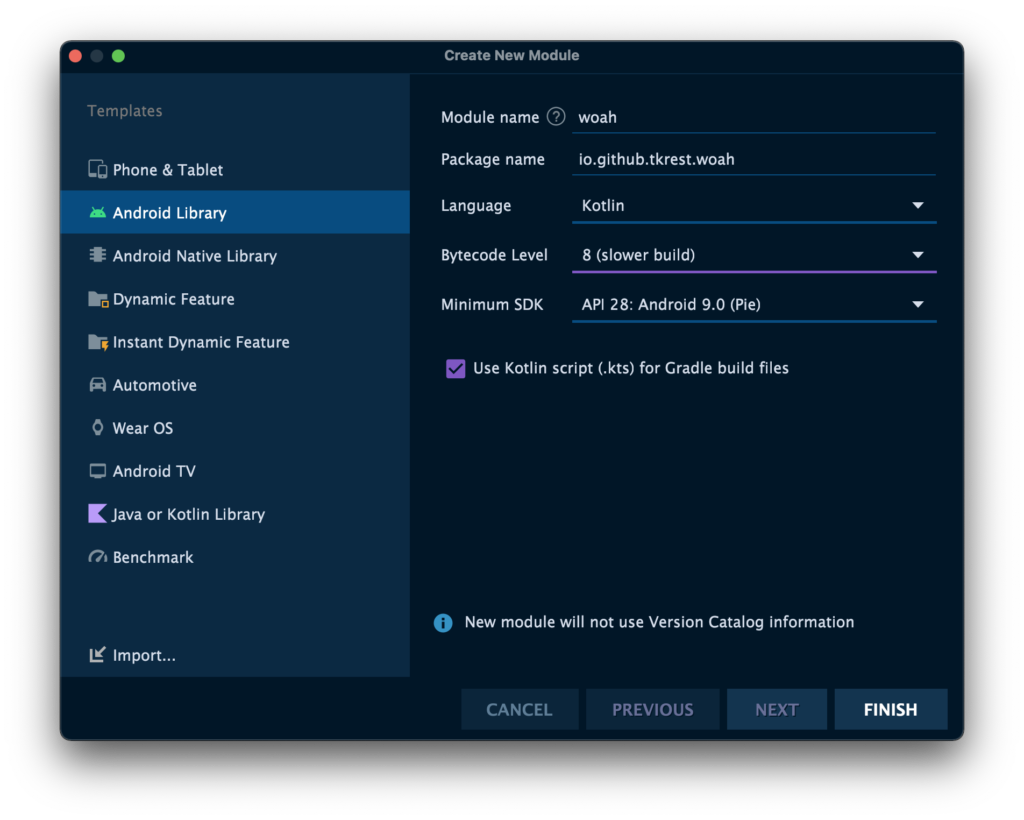
- Module library project is added
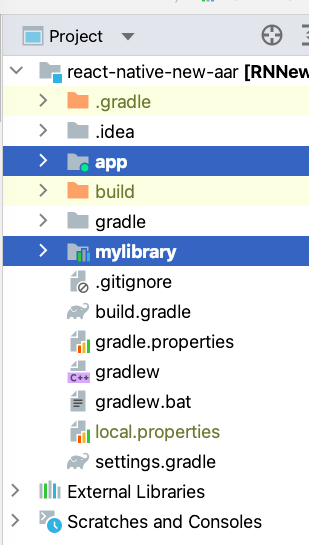
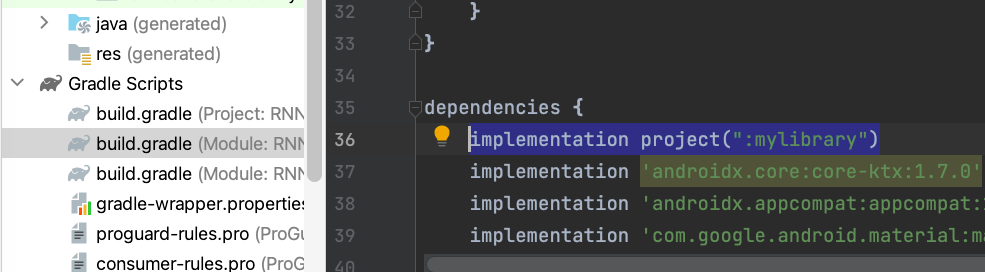
3. Add library project into example project’s Gradle file
4. Add codes to the Android library
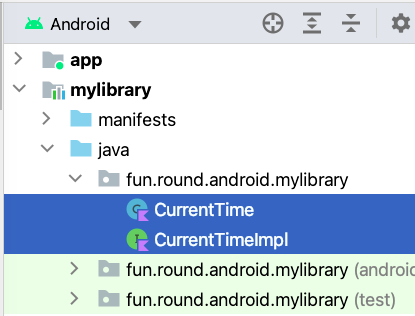
Now you can use classes from Library project in Example project
How to build .aar file from an Android library project?
- Debug build
- Build > Rebuild project
- Release build
- ./gradlew assembleRelease
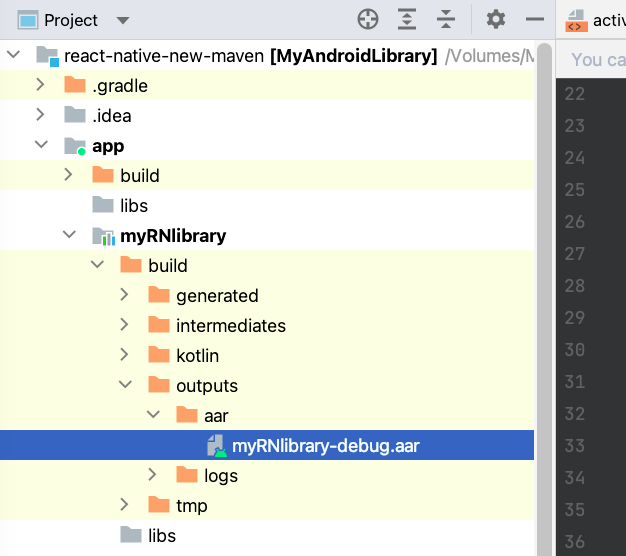
How to import .aar file into an Android project?
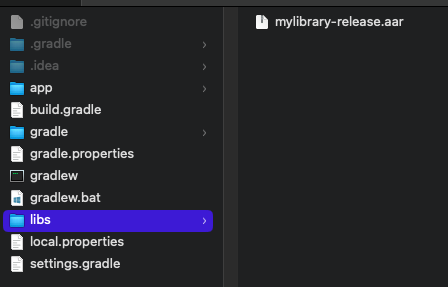
- Copy .aar file into android/libs folder
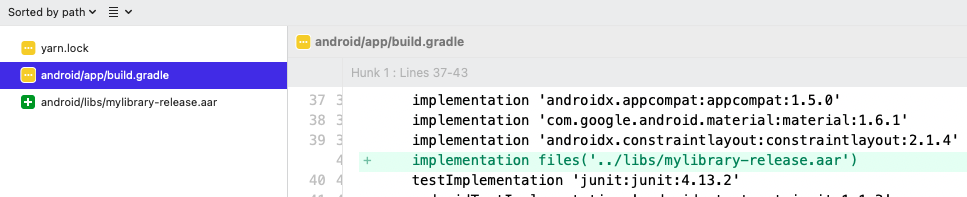
- Add this line into Gradle file
Leave a Reply